Upload 3D Models to Second Life Directly from MeshZEUS
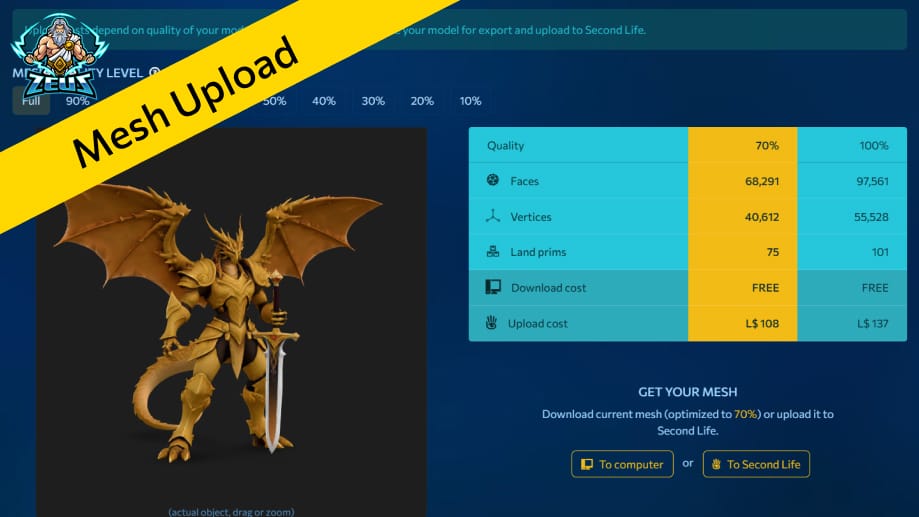
We’ve got another update! Now you can send 3D models directly to your inventory from MeshZEUS.
There’s no need to download the object to your computer first and then upload it separately to Second Life. Of course, that option is still available if you prefer it. But now you also have a faster and more convenient way to send your mesh straight to your objects in-world.
Step 1: Generate Object
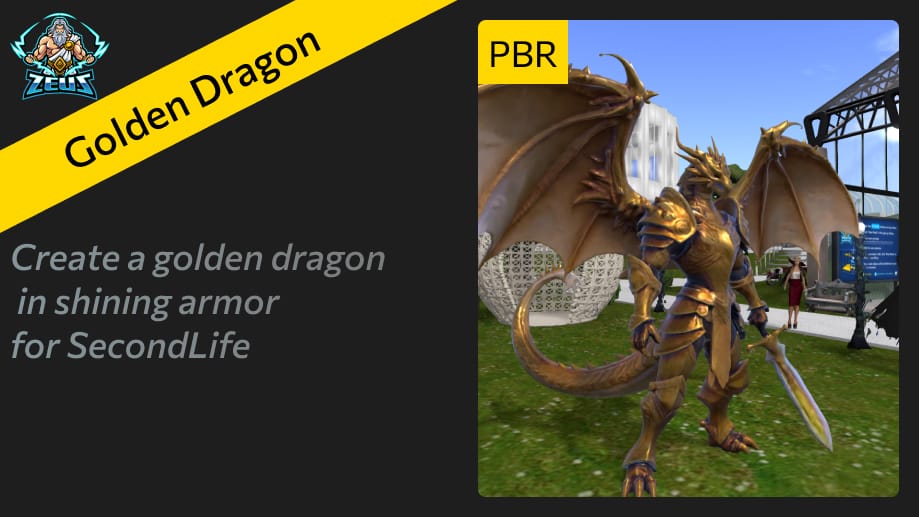
As an example I created an anthropomorphic dragon with a sword.
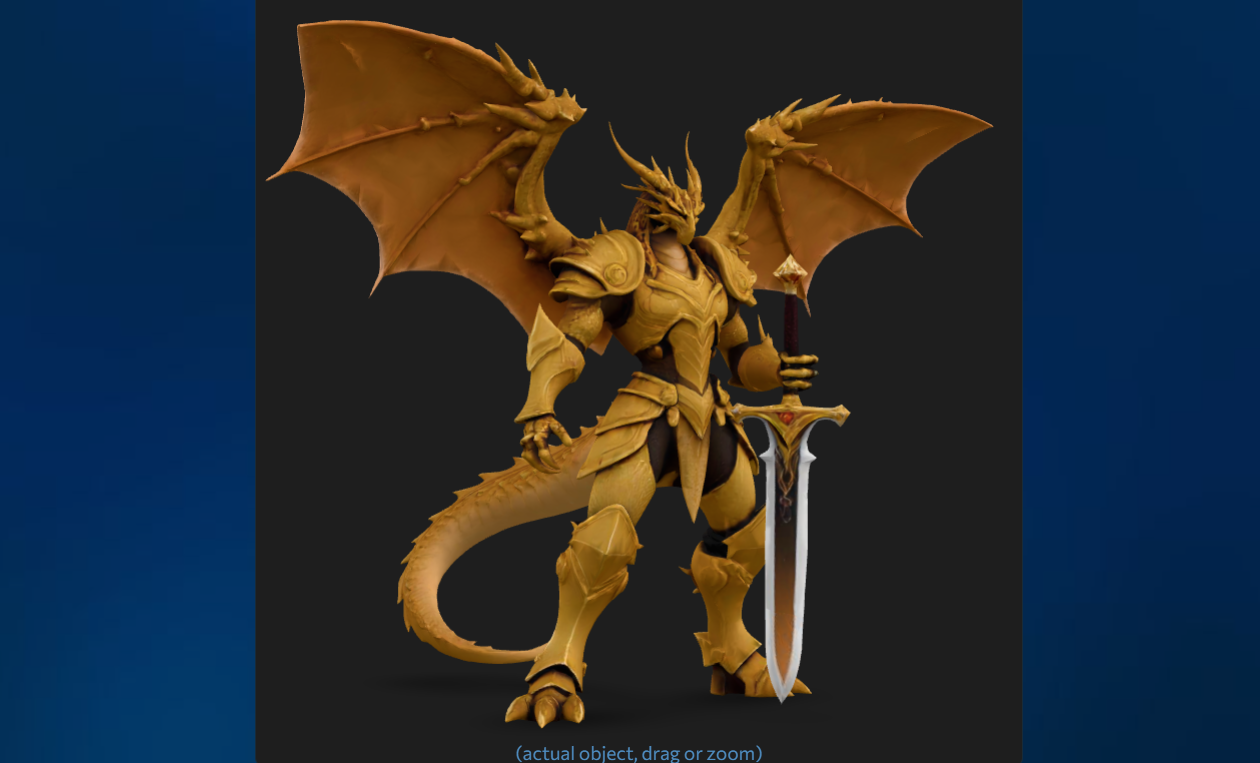
Click the Export Upload button.
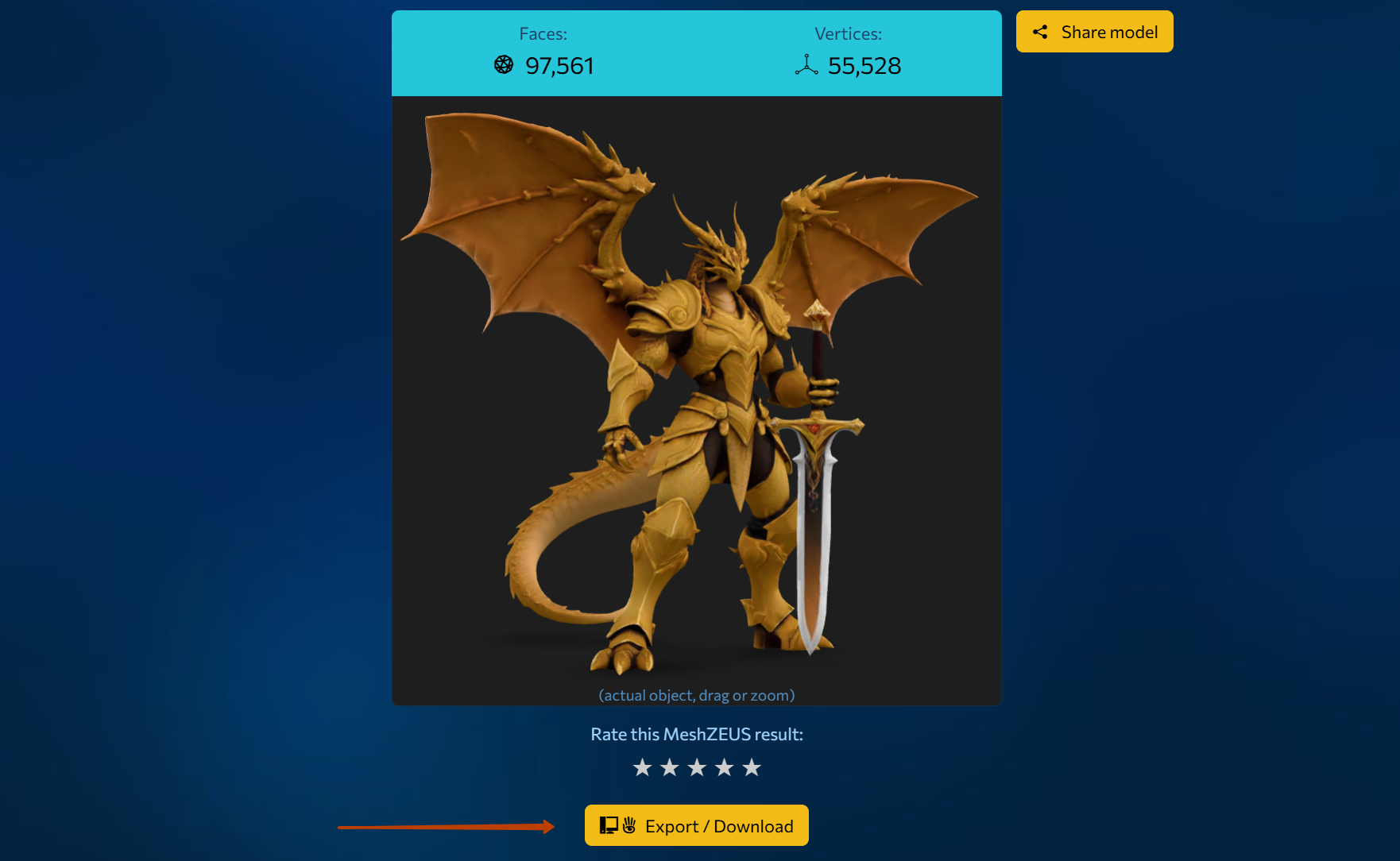
Step 2: Calculate Cost
We see the optimization and export page. Here you can choose the model quality as a percentage. Let’s calculate the land prims and the upload cost for 100%. This isn’t required, but it will be useful as an example. Click Calculate.
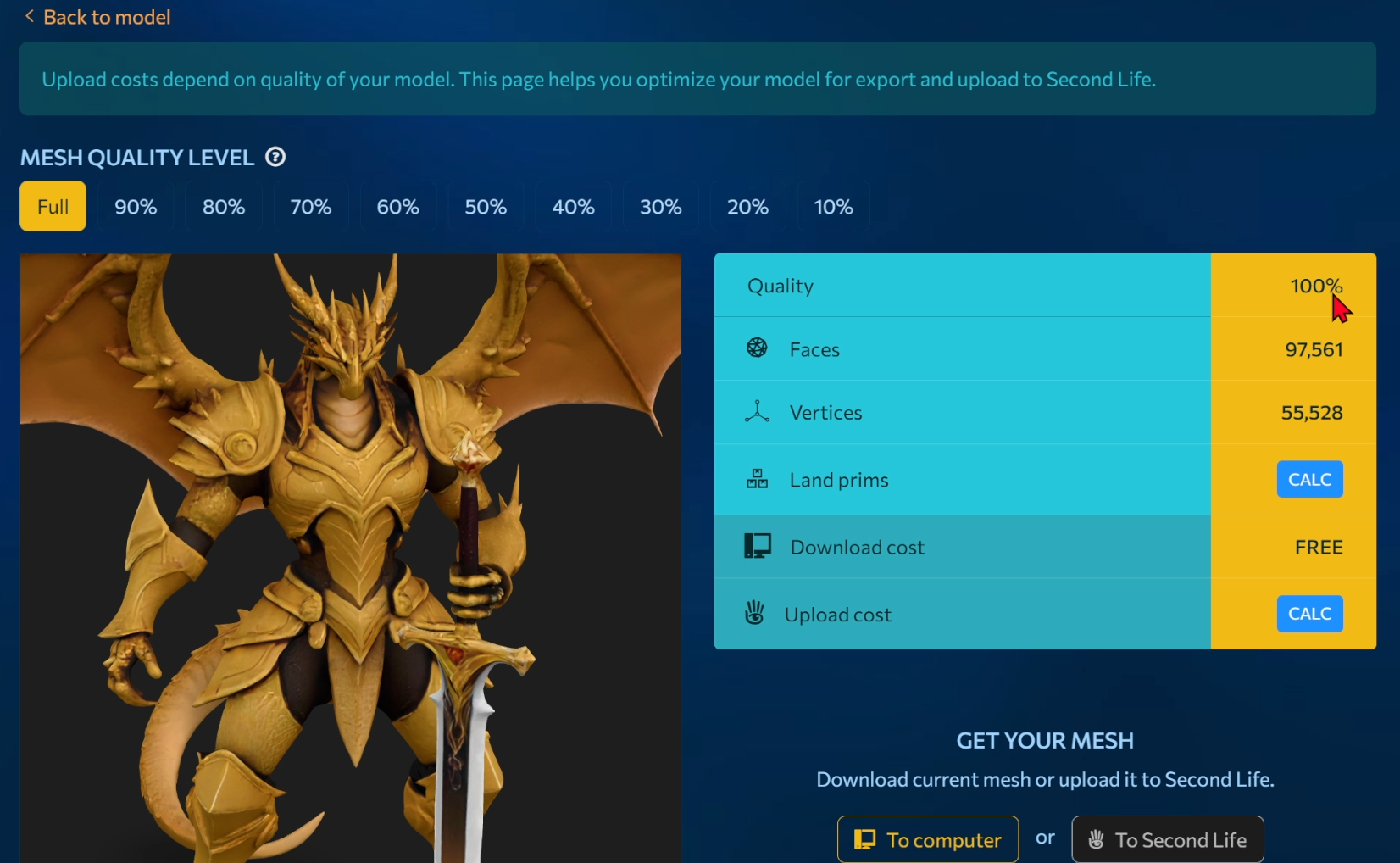
After a few minutes, we get data like this:
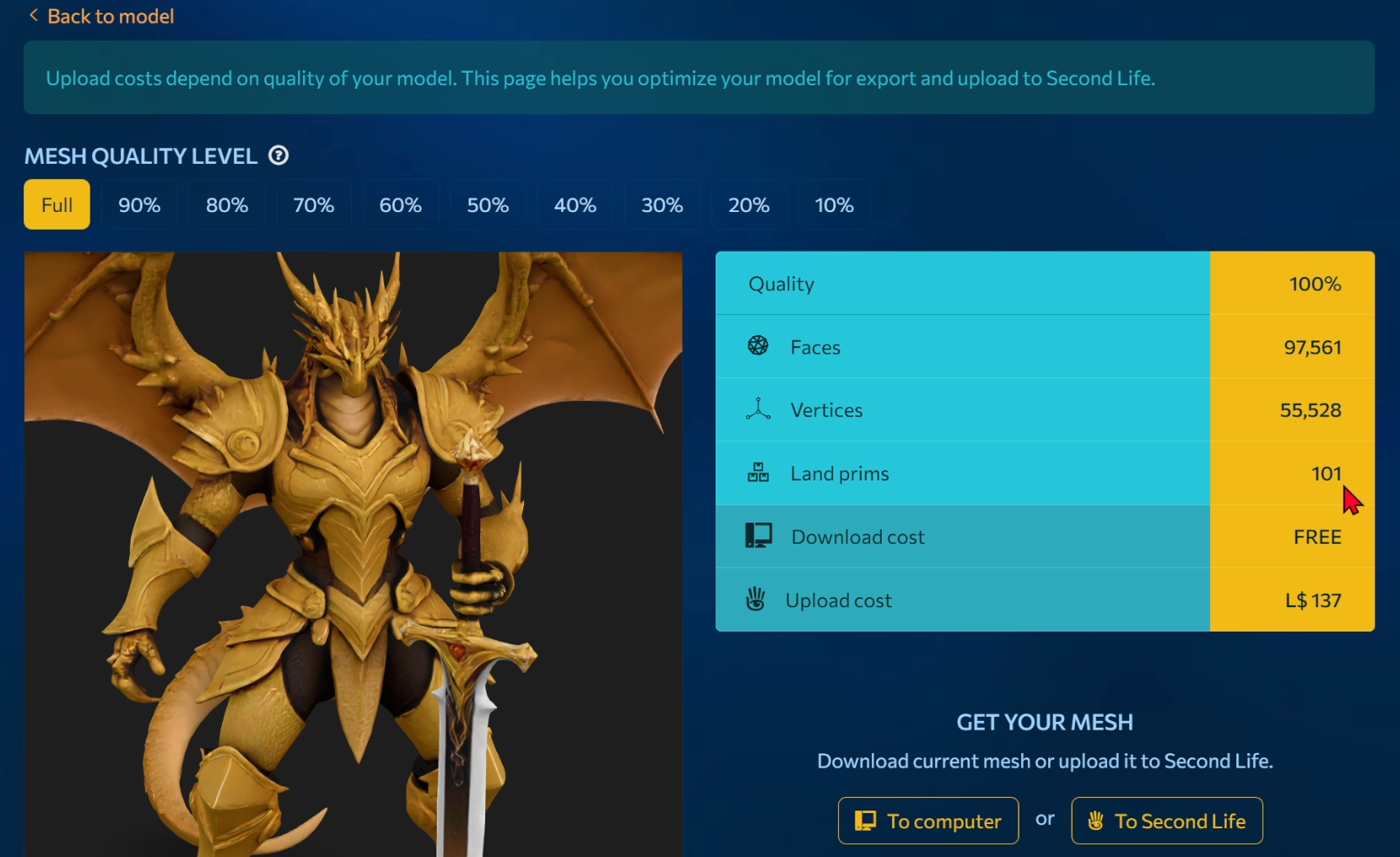
Let’s calculate the land prims and the upload cost in Second Life for 70%.
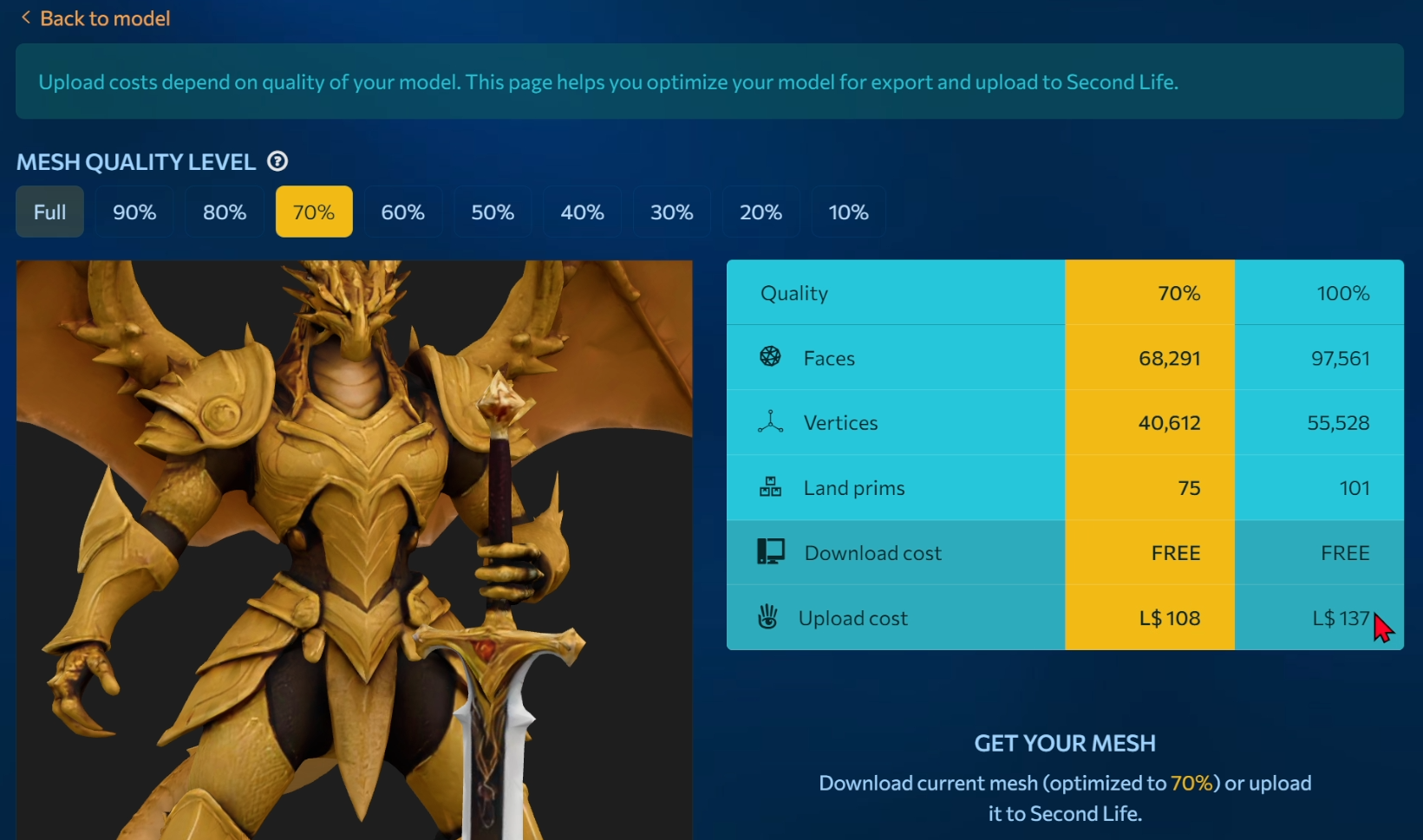
As we can see for 70% the cost and land prims are lower.
Step 3: Upload Mesh to Second Life
Select the button “To Second Life” to upload the model to your inventory.
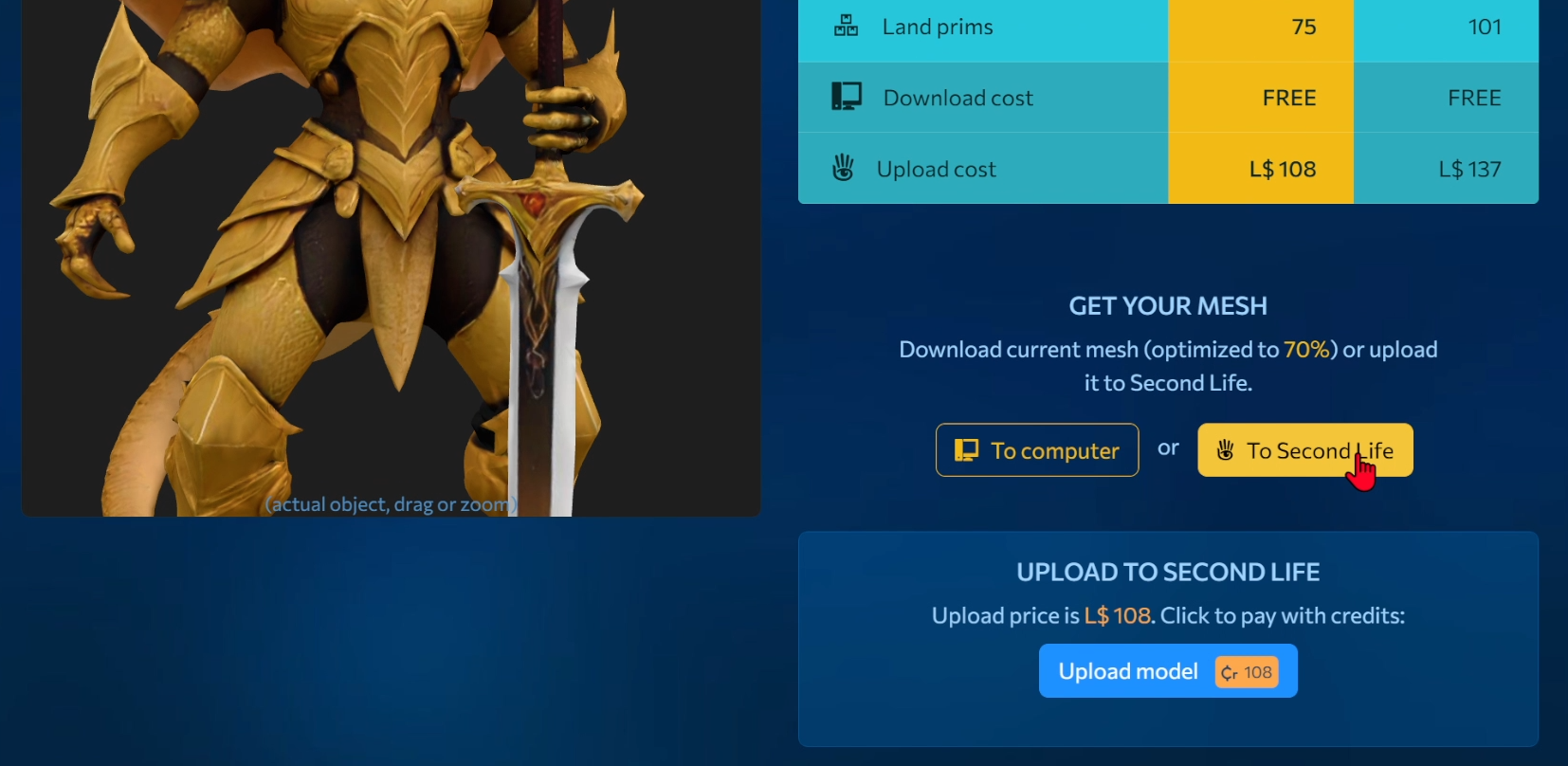
Then click the “Upload Model” button. The upload cost is shown on the button. Important: the upload cost is deducted from your Meshzeus balance.
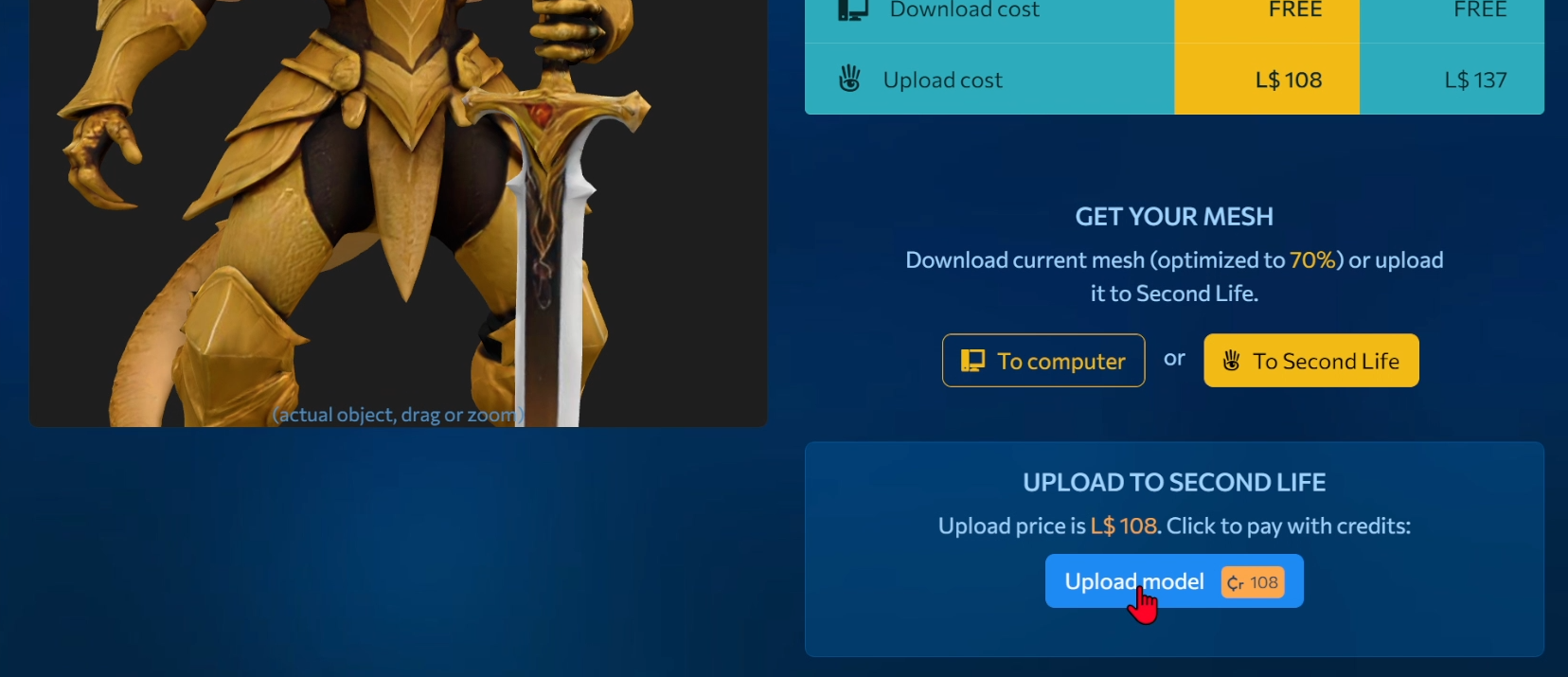
After a couple of minutes, a window with your avatar’s name will appear. You can send the model only to that avatar.
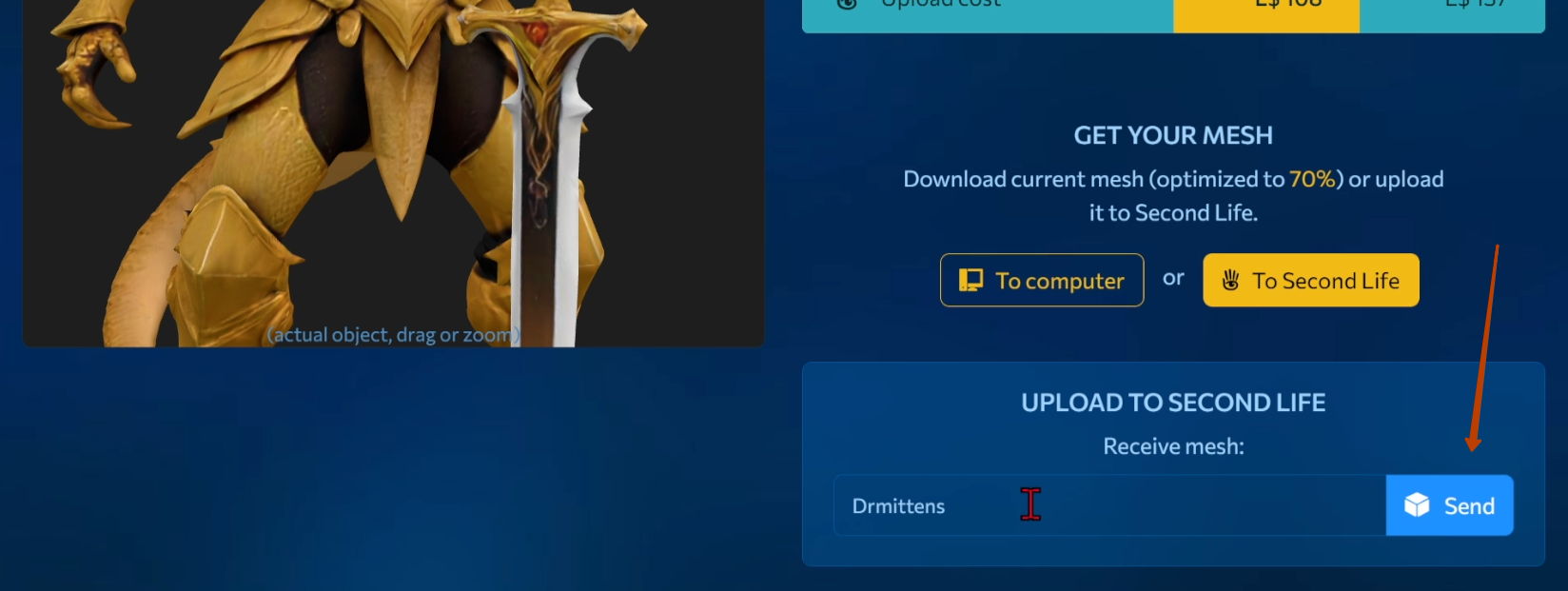
After that, the model will appear in your inventory.
Step 4: Rez the Model in Second Life
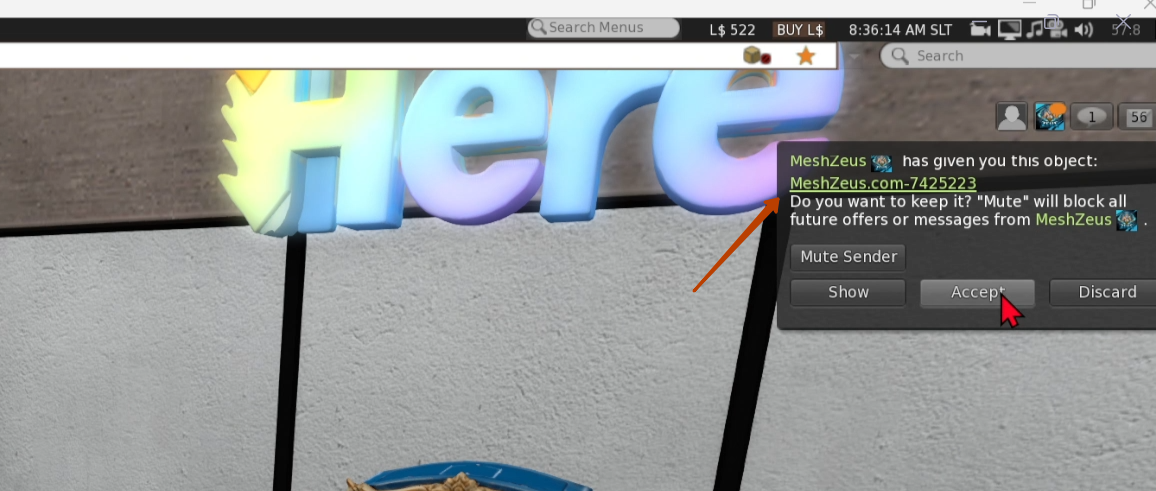
Next I switch to Firestorm. Here I receive a notification about a new object. I accept the object. Then I open my inventory and find my new object there.
I add my dragon to the land. I scale it up and place it in the desired position.
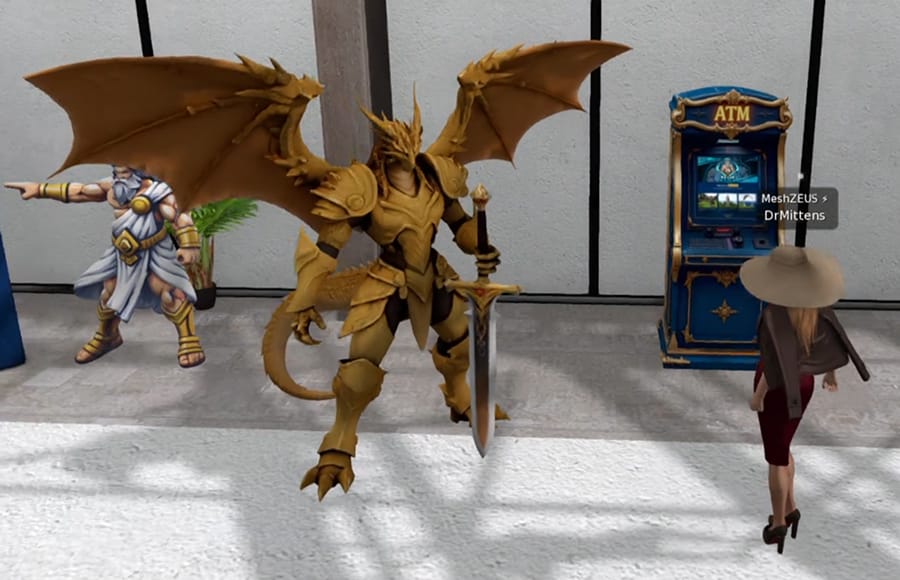
Today creating a 3D object no longer requires complex tools or hours of work — a simple text prompt is enough. An idea quickly turns into a fully realized 3D model with shape and detail, which is impressive on its own.
What’s especially exciting is that you can immediately place this model on your own land in Second Life. You don’t see the result in abstraction — you experience it in your personal space, adjusting its size and position, and truly feeling how imagination becomes reality.
Follow the link to take a closer look at this 3D object and rotate it to view it from different angles.

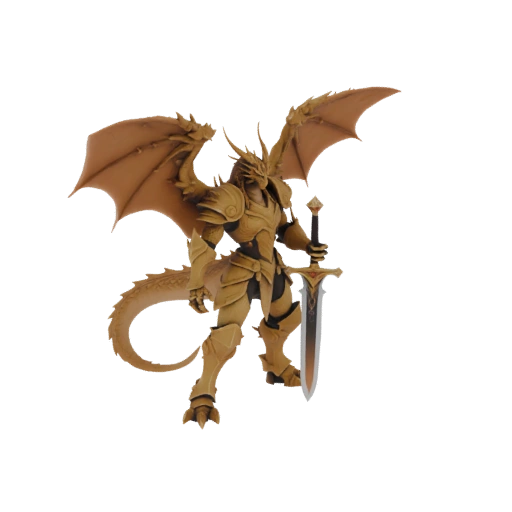
You can also watch a video that shows all these steps.
Sign up now and get L$1,000 in free credits!
Welcome to MeshZEUS! The first and best AI mesh generator for Second Life!
 Discord
 PrimFeed