How to Get High-Quality Meshes in Second Life
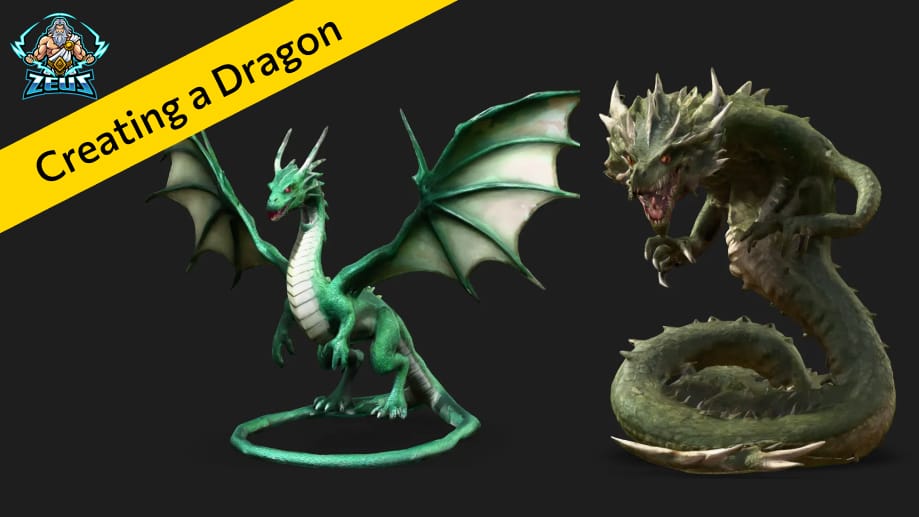
Fine-tuning your models for better detail, lower cost, and a stronger in-world presence.
Creating beautiful, detailed 3D models is at the heart of every MeshZEUS project. Whether you’re building accessories, avatars, or entire environments for Second Life, getting that high-quality finish comes down to a few smart choices.
In this guide, I’ll walk you through the 3 key ways to improve your mesh quality in MeshZEUS — from the first word of your prompt to the final polygon trim.
Important update from November 2025:
3D models are now generated from a 2D color preview. The quality of both the preview images and the resulting models has been significantly improved.
1. Crafting a Strong Prompt
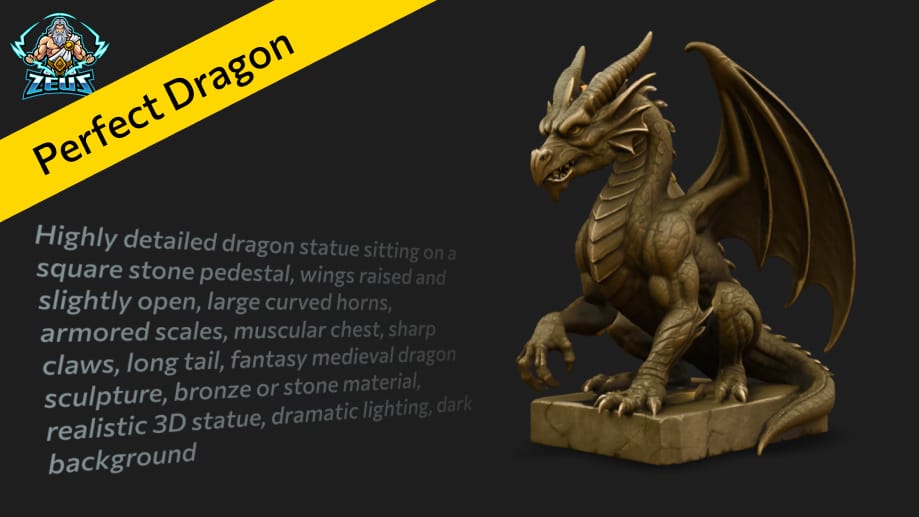
Your prompt is more than just an idea — it’s a blueprint. The more descriptive your prompt, the better the model.
Let’s look at two examples:
Prompt 1: “fantasy dragon’s serpent”
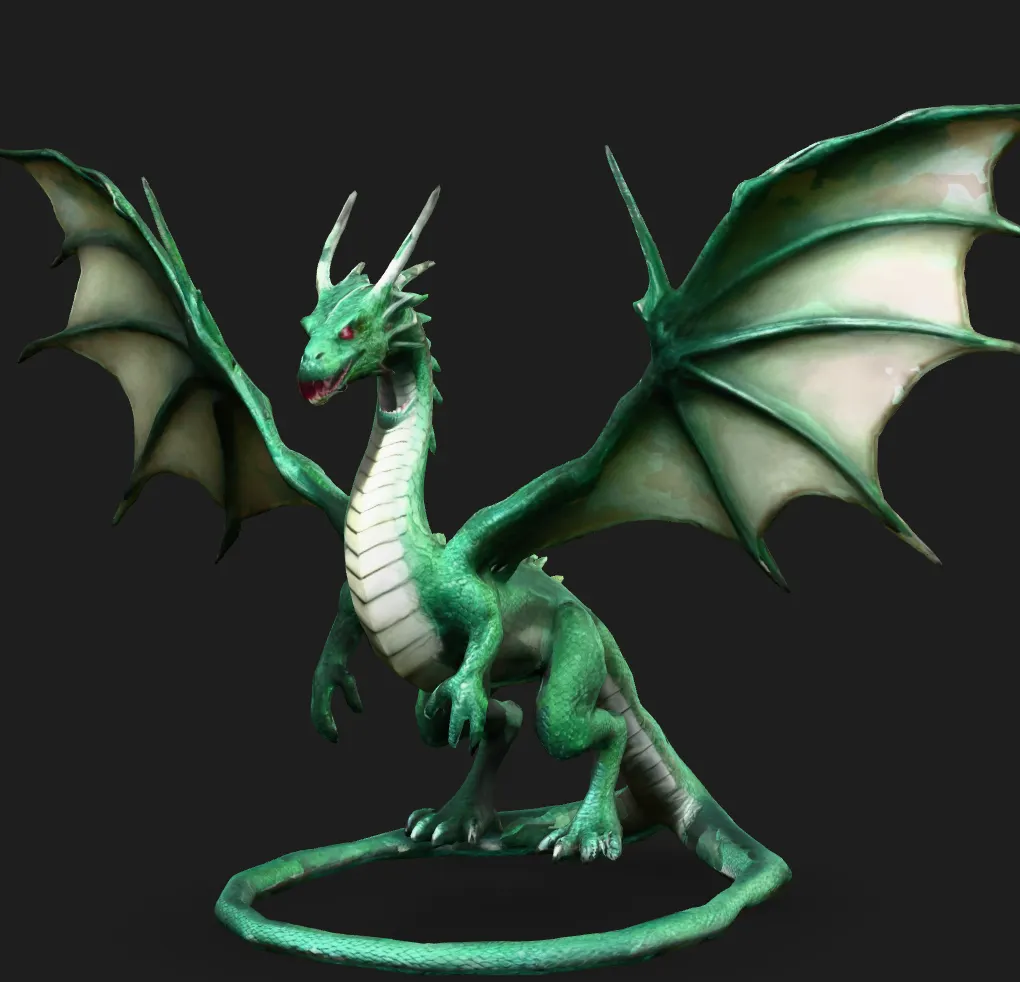
Prompt 2: “dragon-serpent hybrid, enormous coiled form lined with rugged spines, scaled body twisting with jagged ridges, massive head bearing a savage maw of razor-like teeth, eyes burning with a fierce glare, fin-like extensions flaring behind the skull, tail tipped with a vicious spike, illustrated with extreme intricacy”
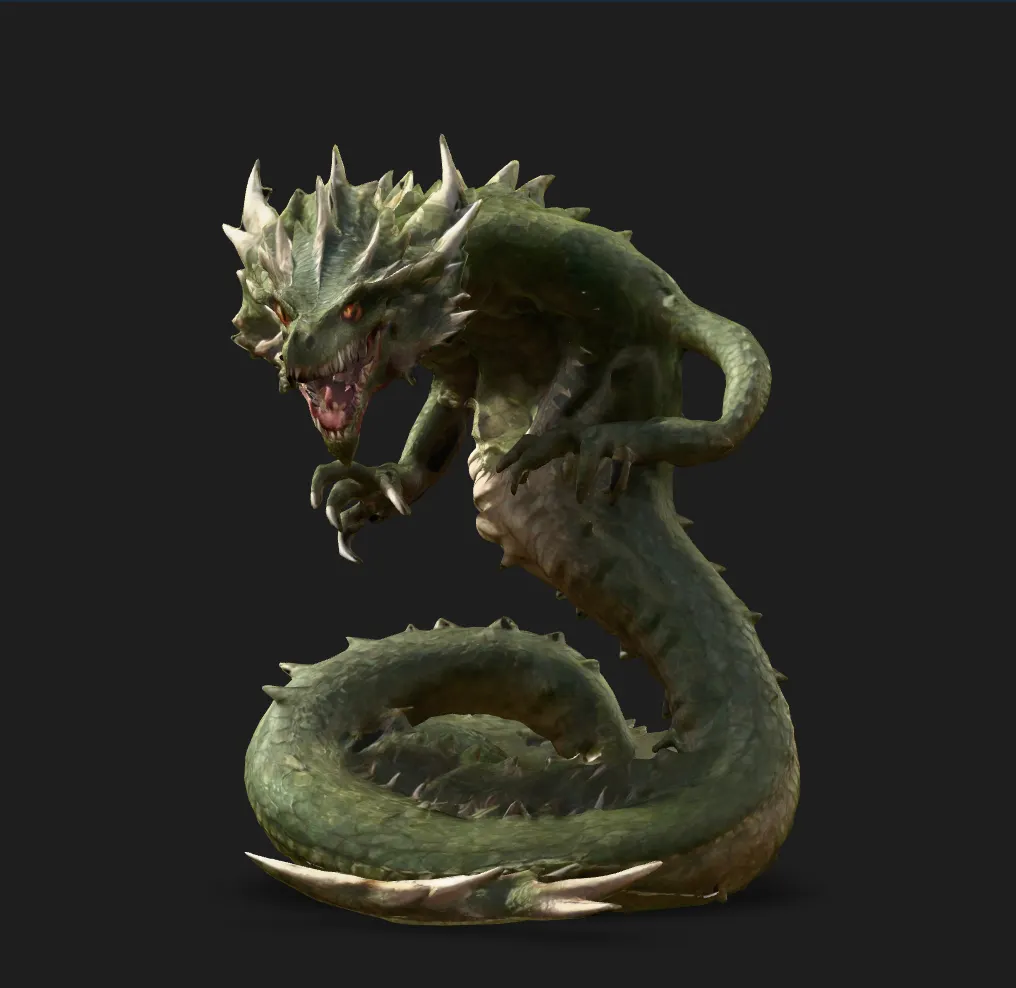
The second prompt results in a significantly richer model — with clearer anatomical structure, more expressive features, and a texture that tells a story. Don’t hold back — describe what you see in your mind.
2. Adjusting Polygon Count
MeshZEUS sets a default polygon count of 30,000 faces, which is suitable for small-to-medium-scale objects like tools, weapons, or simple accessories.
But for complex creations — think humanoid figures, creatures, or ornate structures — you’ll want more detail.
You can manually increase the polygon count up to 100,000, directly in the generation panel. This boosts model fidelity and gives your mesh a smoother, more natural finish.
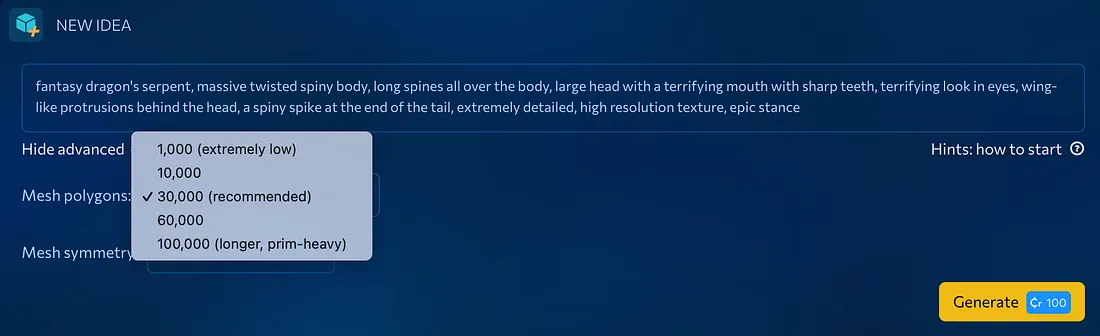
Tip: Don’t max out blindly. Increasing mesh polygons makes generation longer.
3. Smart Optimization with MeshZEUS
Uploading to Second Life? Here’s where optimization becomes your best friend.
More polygons = more detail… but also more cost. That’s why MeshZEUS includes built-in mesh optimization tool. You can set an “optimization pressure” — how much detail should be preserved vs. simplified.
For example:
- 100% = full detail, max upload cost
- 40% = visual quality nearly identical to 100%, but much lighter on your L$ wallet
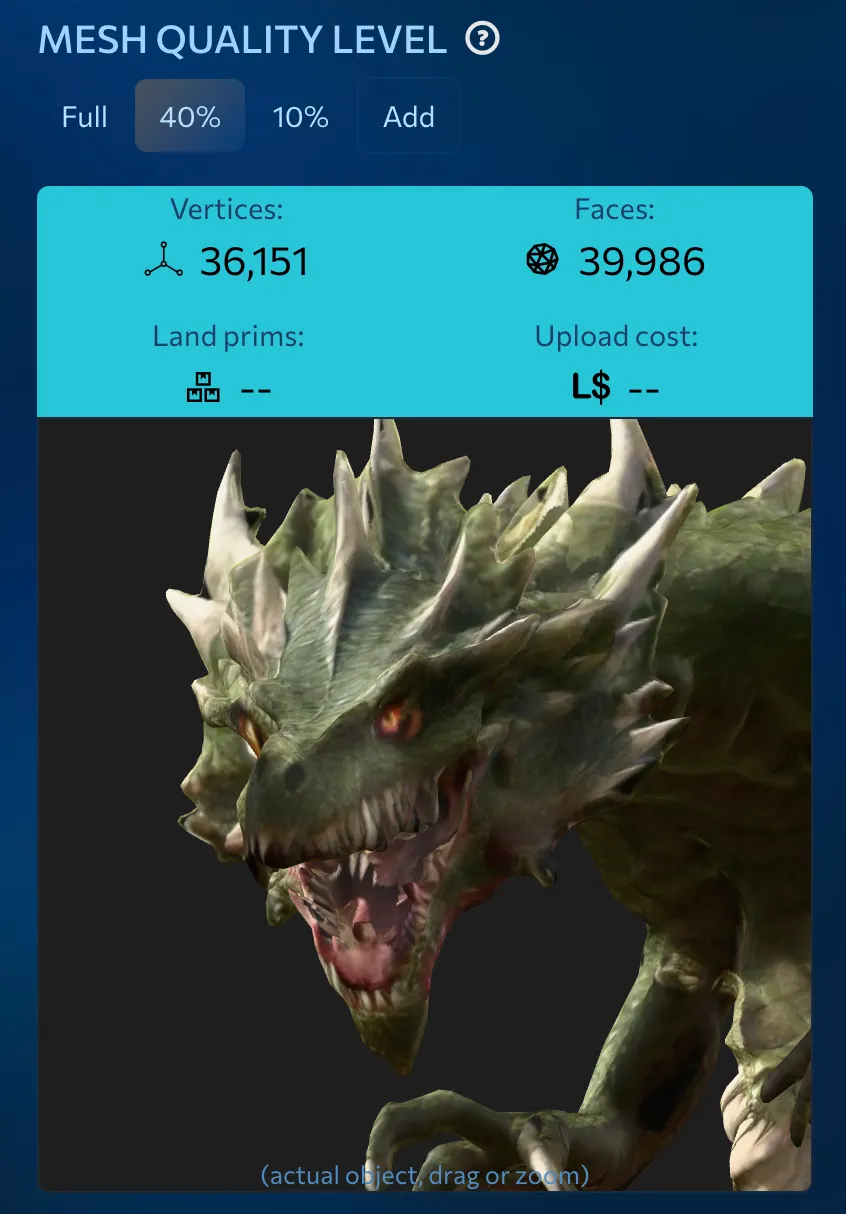
Try different optimization levels and compare results. You might be surprised how much detail you can keep while cutting upload fees dramatically.
Bonus: Optimization is completely free. Run as many versions as you like until you hit the sweet spot.
—
✨ Wrapping Up
High-quality meshes aren’t magic — they’re the result of informed choices. Use detailed prompts, scale your polygon count appropriately, and leverage optimization to strike the perfect balance between beauty and efficiency.
With MeshZEUS, you don’t need to be a Blender expert to make models that pop in Second Life. Just know your tools — and use them well.
⚡ Ready to create? Head to https://meshzeus.com and give it a go.
The links to the models used in article:
- Simple prompt dragon:
https://meshzeus.com/model/53006e18-b3d2-4f81-8837-1797a06da4da - Complex prompt dragon:
https://meshzeus.com/model/71c8527c-d23f-4376-9a99-f693df07410c
Sign up now and get L$1,000 in free credits!
Welcome to MeshZEUS! The first and best AI mesh generator for Second Life!
 Discord
 PrimFeed