How to Design Your Perfect AI Mesh Dragon for Second Life
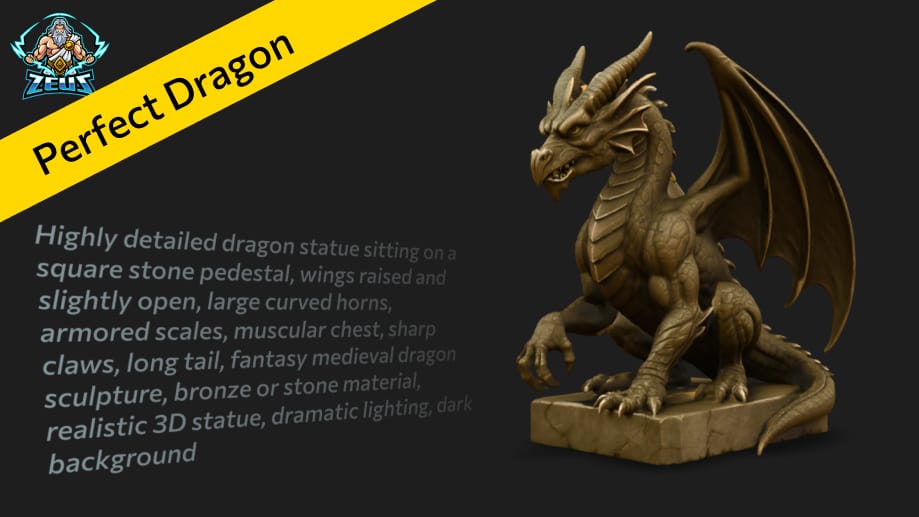
Let’s say you’ve decided to bring a dragon to your land. So how do you make that happen?
Simple prompt
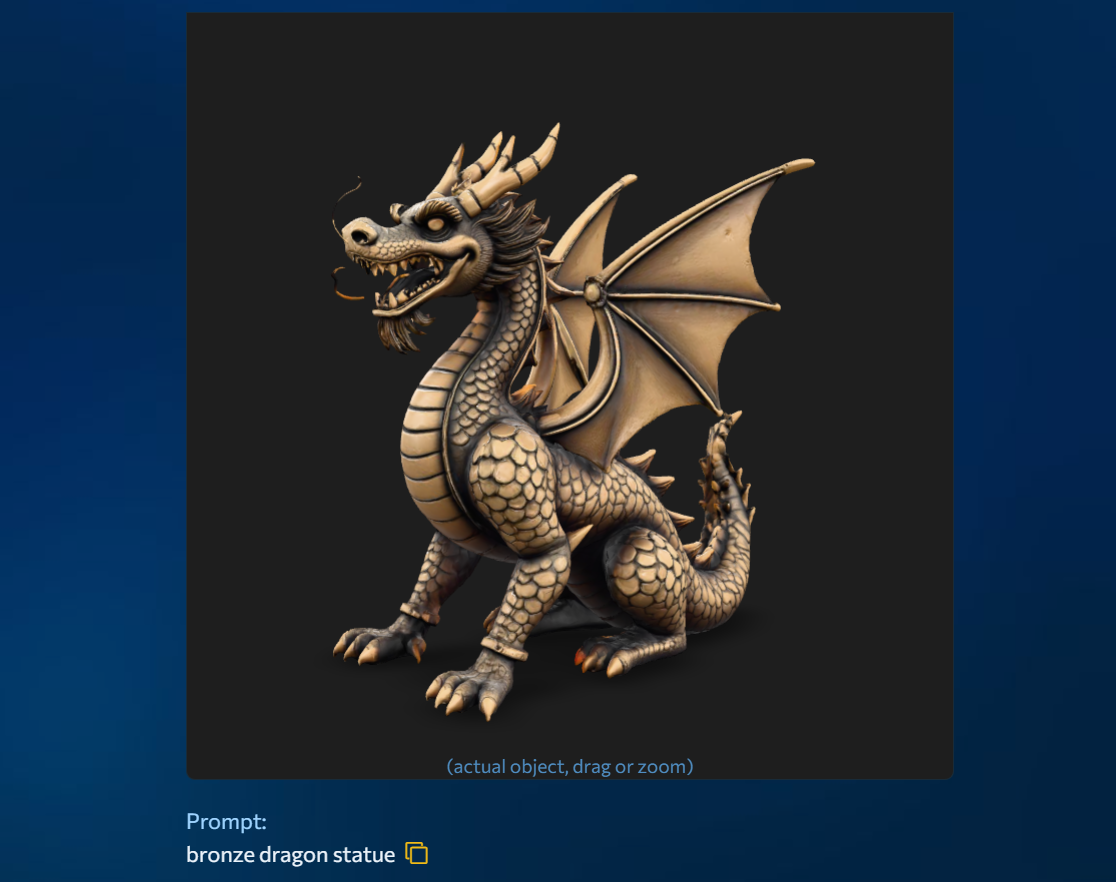
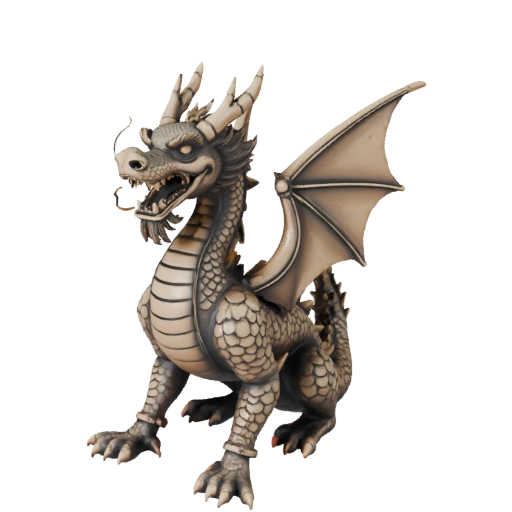
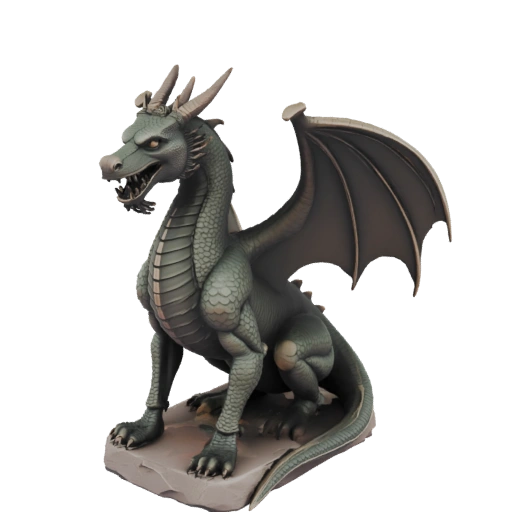
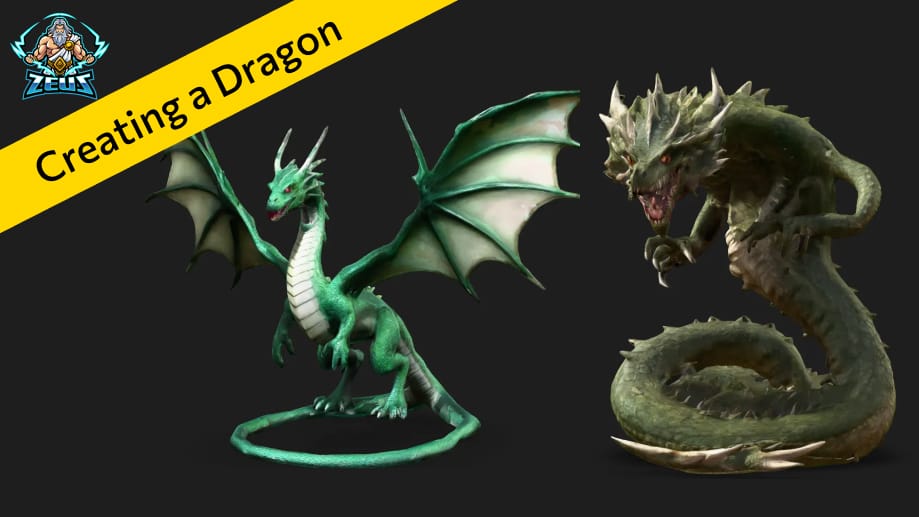
You could start with a simple prompt like “bronze dragon statue” in MeshZEUS. That will give you a preview — but it’ll be a random dragon. Its appearance might not match the style you had in mind.

Detailed prompt
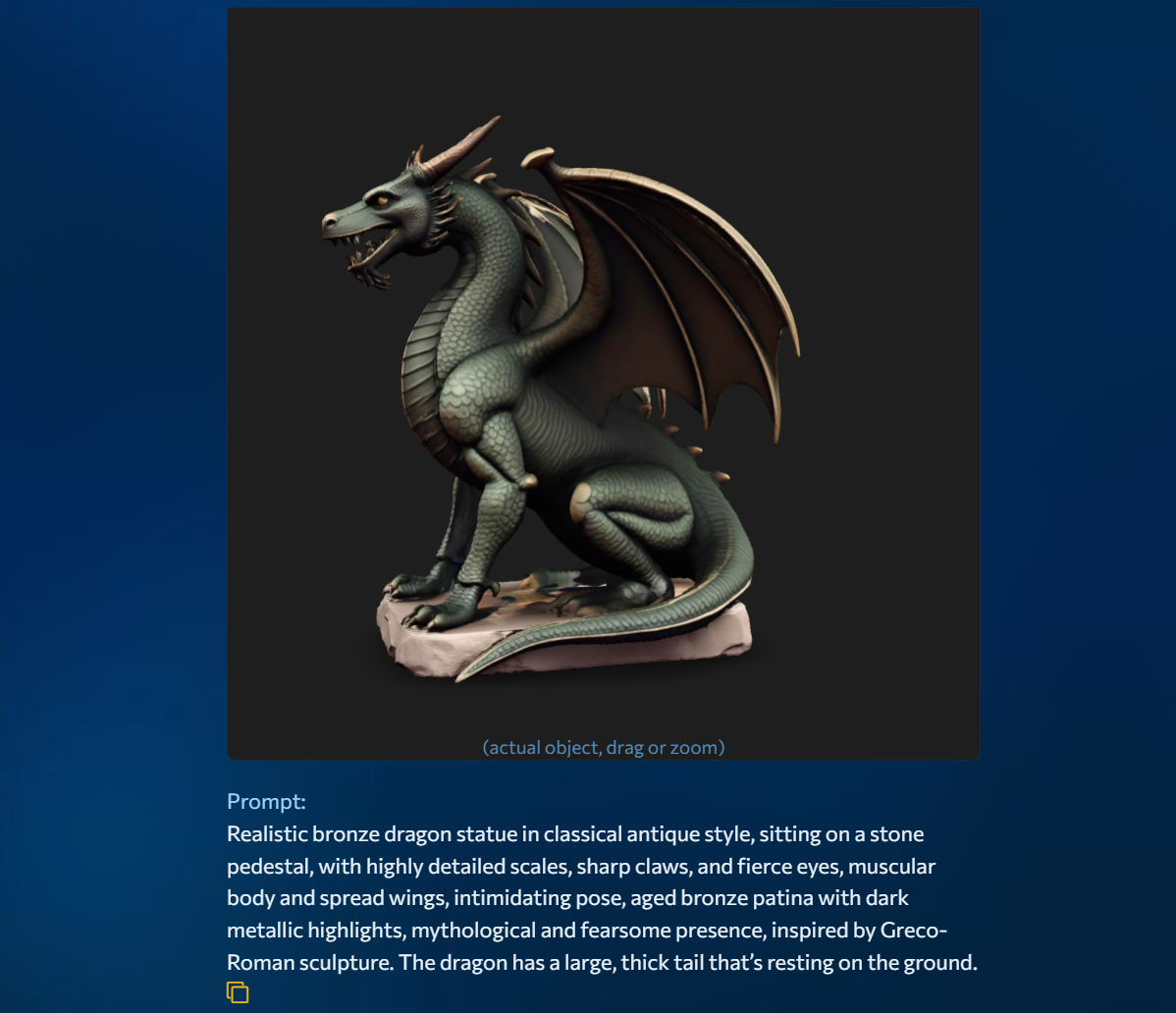
A better approach is to get more specific. Try writing a detailed prompt that describes exactly what you want. For example:
“Realistic bronze dragon statue in classical antique style, sitting on a stone pedestal, with highly detailed scales, sharp claws, and fierce eyes, muscular body and spread wings, intimidating pose, aged bronze patina with dark metallic highlights, mythological and fearsome presence, inspired by Greco-Roman sculpture.”
Longer prompts like this usually produce more interesting results.

Using ChatGPT for Creation
There’s also a third method — using ChatGPT or Midjourney to help you build the perfect prompt. You can ask it to generate a prompt and an image at the same time. Then you can make changes on the spot — like:
“Make the dragon flying instead of sitting”
or
“Adjust the horns to be symmetrical.”
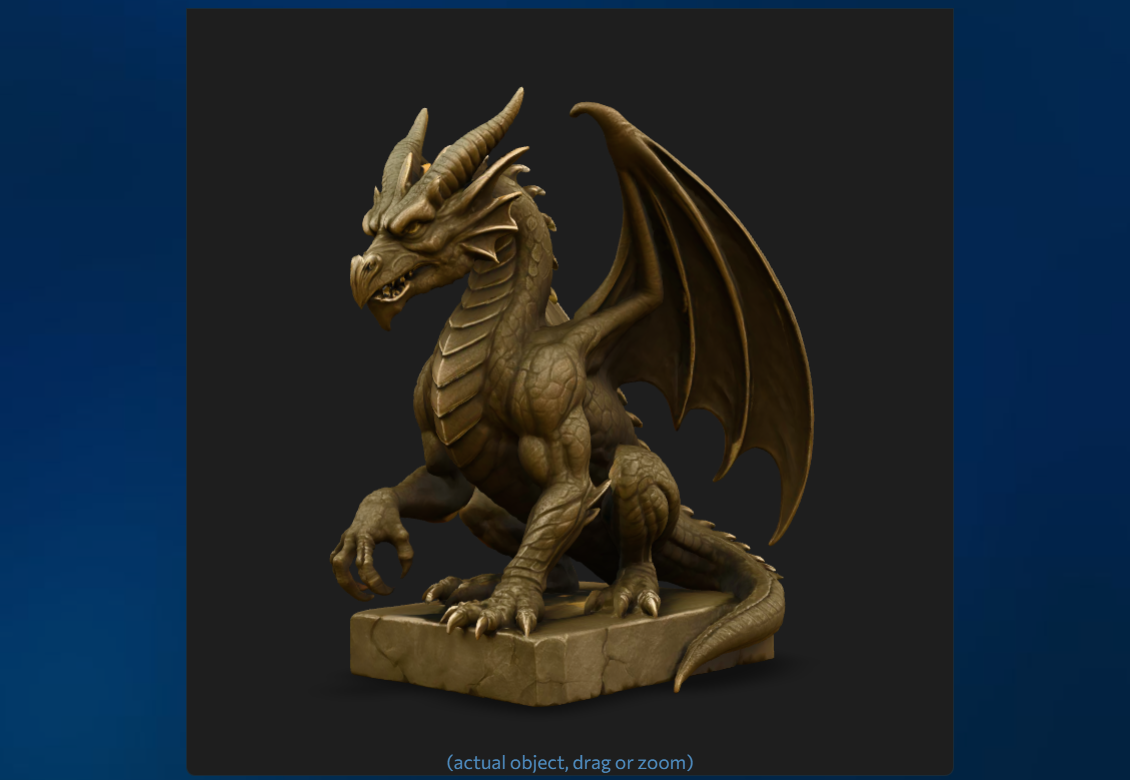
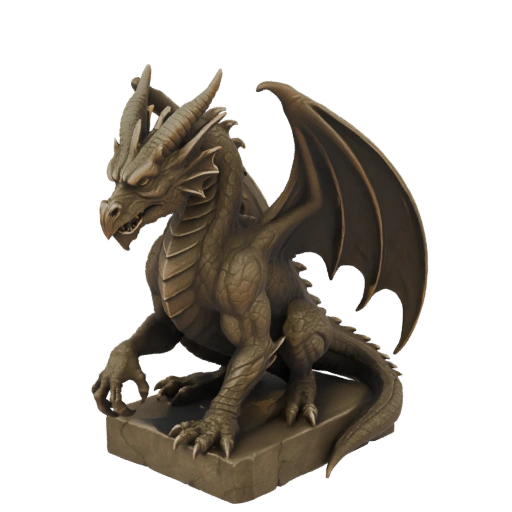
This way, you’re shaping exactly the dragon you want. After that, simply download the image and generate a 3D model based on it.
This method usually gives the best results.
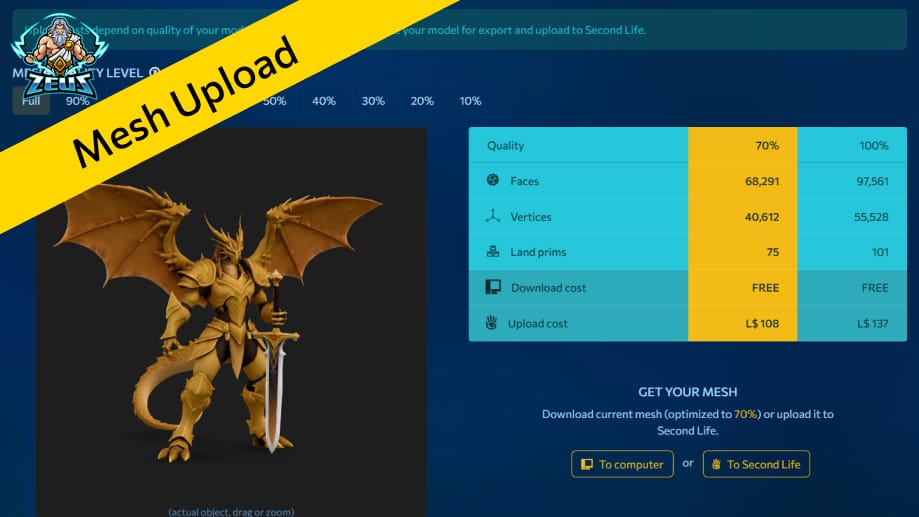
Follow the link to take a closer look at this 3D object and rotate it to view it from different angles.

Sign up now and get L$1,000 in free credits!
Welcome to MeshZEUS! The first and best AI mesh generator for Second Life!
 Discord
 PrimFeed