How to Create a 3D Object in MeshZEUS
Important update from November 2025:
3D models are now generated from a 2D color preview. The quality of both the preview images and the resulting models has been significantly improved.
Creating an object in MeshZEUS is very simple.
1.Write a prompt
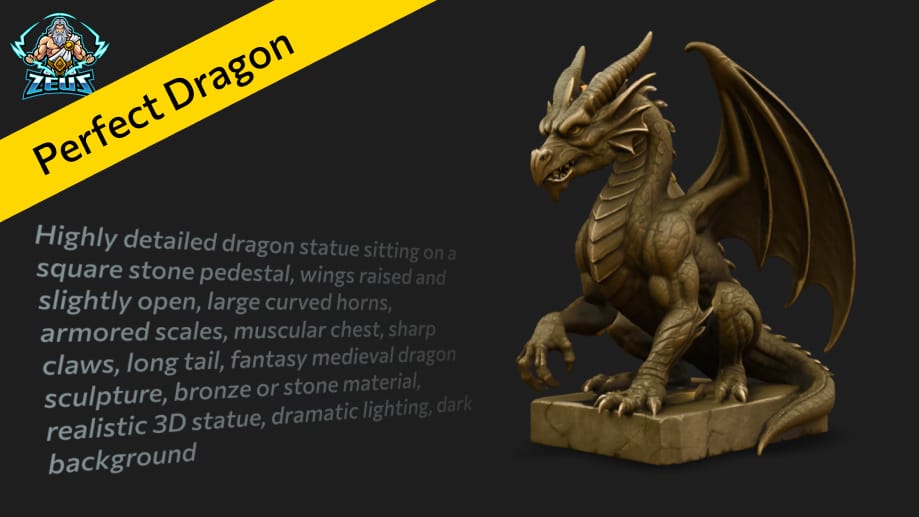
Describe the object you want to create. Even a short prompt can produce a clear and interesting result. However, the more detailed your description is, the more specific the generated object will be.

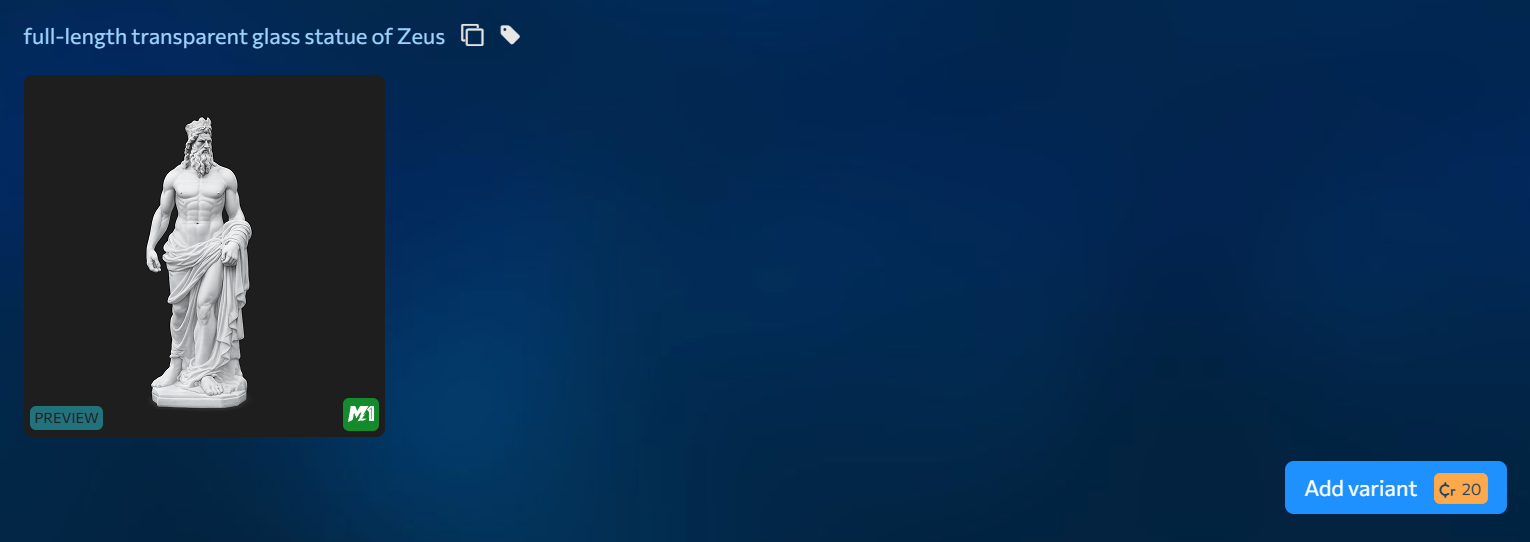
2.View the preview model
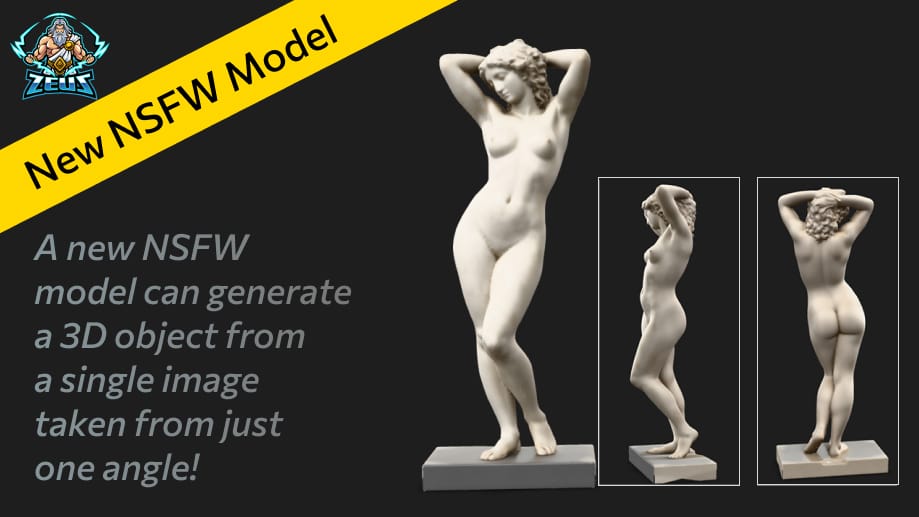
Within a couple of minutes after submitting the prompt, the system will generate a 3D object without a texture. It will look a bit like a plaster statue — this is just a preview version of the model. At first it may feel a little surprising, but this is a normal part of the process. If you don’t like the preview, you can regenerate it for L$20.
3.Add a texture
If you like the general shape and proportions of the preview object, click the “Add Texture” button.
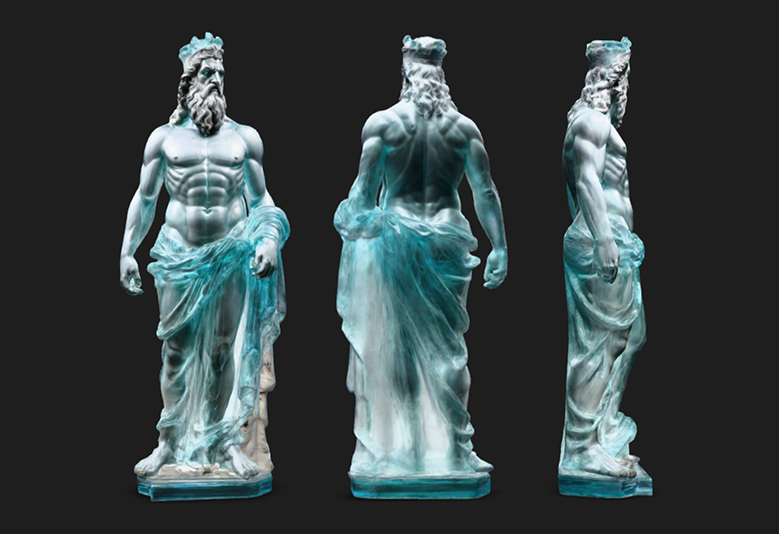
4.Get the final model
MeshZEUS will then generate a textured version of the object. The final result may look noticeably different from the preview and will appear much more detailed.
That’s it! You’ve created a 3D object without needing any special skills in 3D modeling.
Sign up now and get L$1,000 in free credits!
Welcome to MeshZEUS! The first and best AI mesh generator for Second Life!
 Discord
 PrimFeed